Authenticity beats production value.
Before you record or generate anything, get clear on three things: who you're talking to, the one pain you're solving, and the single action you want them to take.
New to the format entirely? Read what UGC content is first, then come back. UGC works precisely because it doesn't look like an ad — keep that in mind at every step.
Six steps to a UGC video
Nail the hook
Write 5 opening lines. The first 3 seconds decide whether anyone watches.
Write a tight script
Hook, problem, solution, CTA. Keep it conversational and short.
Shoot vertical
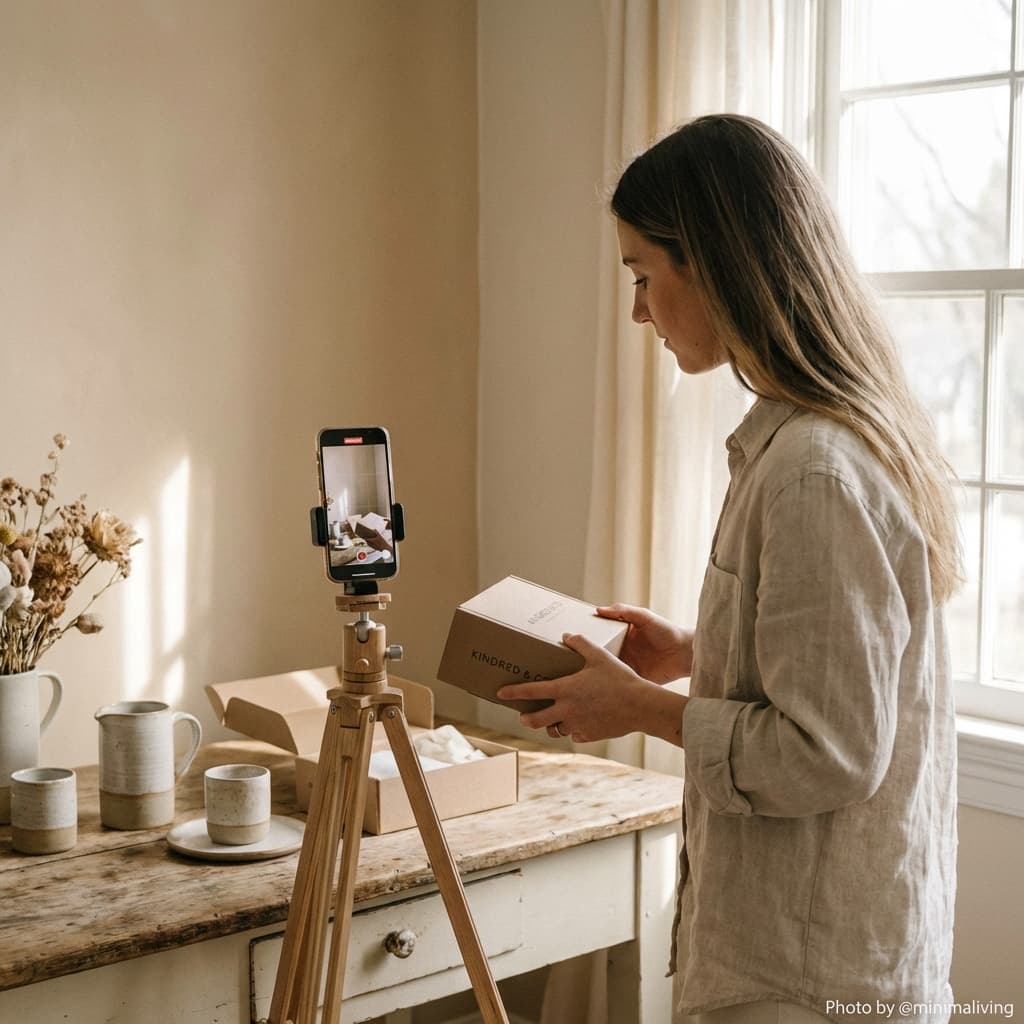
Film 9:16 in good light, handheld. Or generate the footage with AI.
Add product B-roll
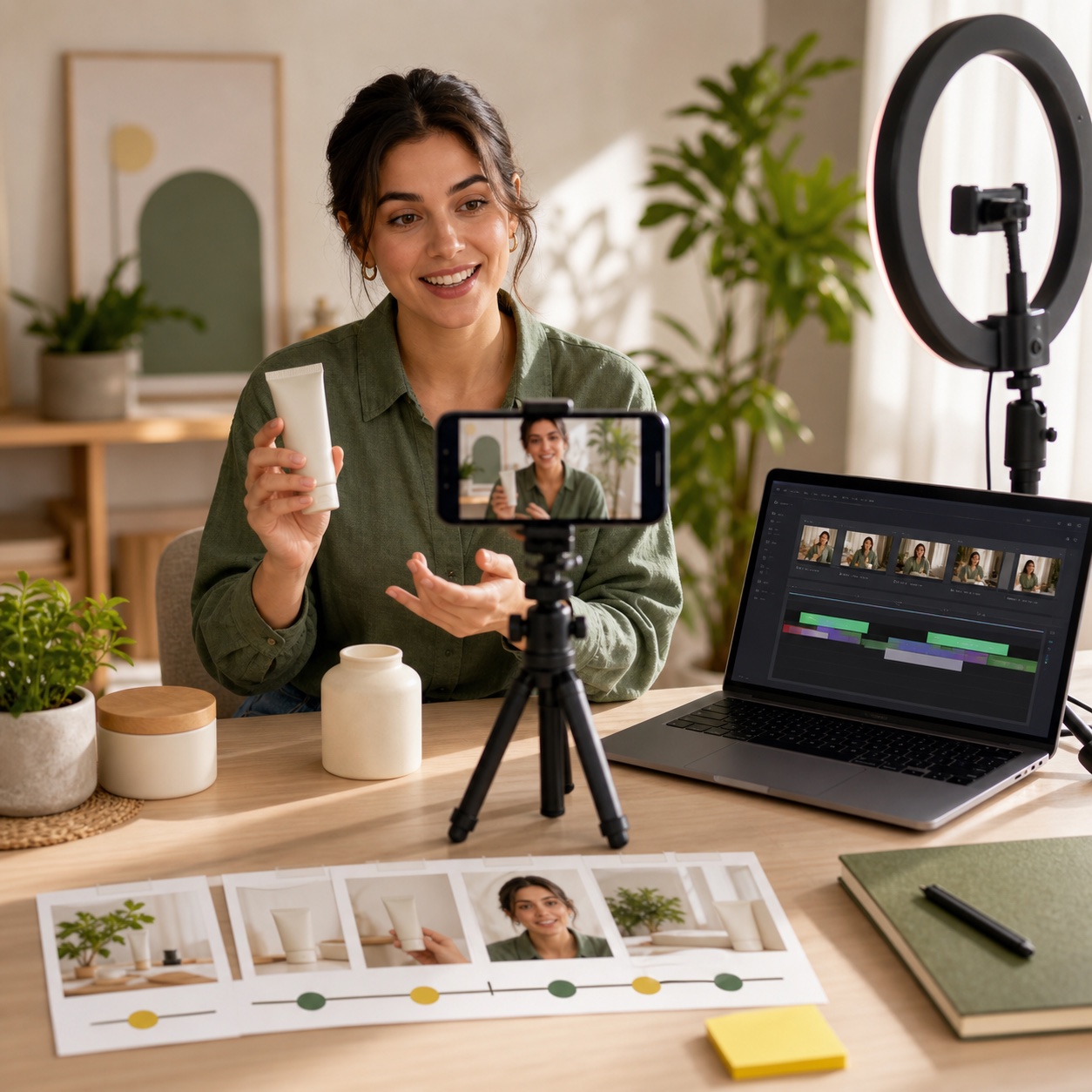
Cut in real close-ups of the product so it never feels generic.
Caption everything
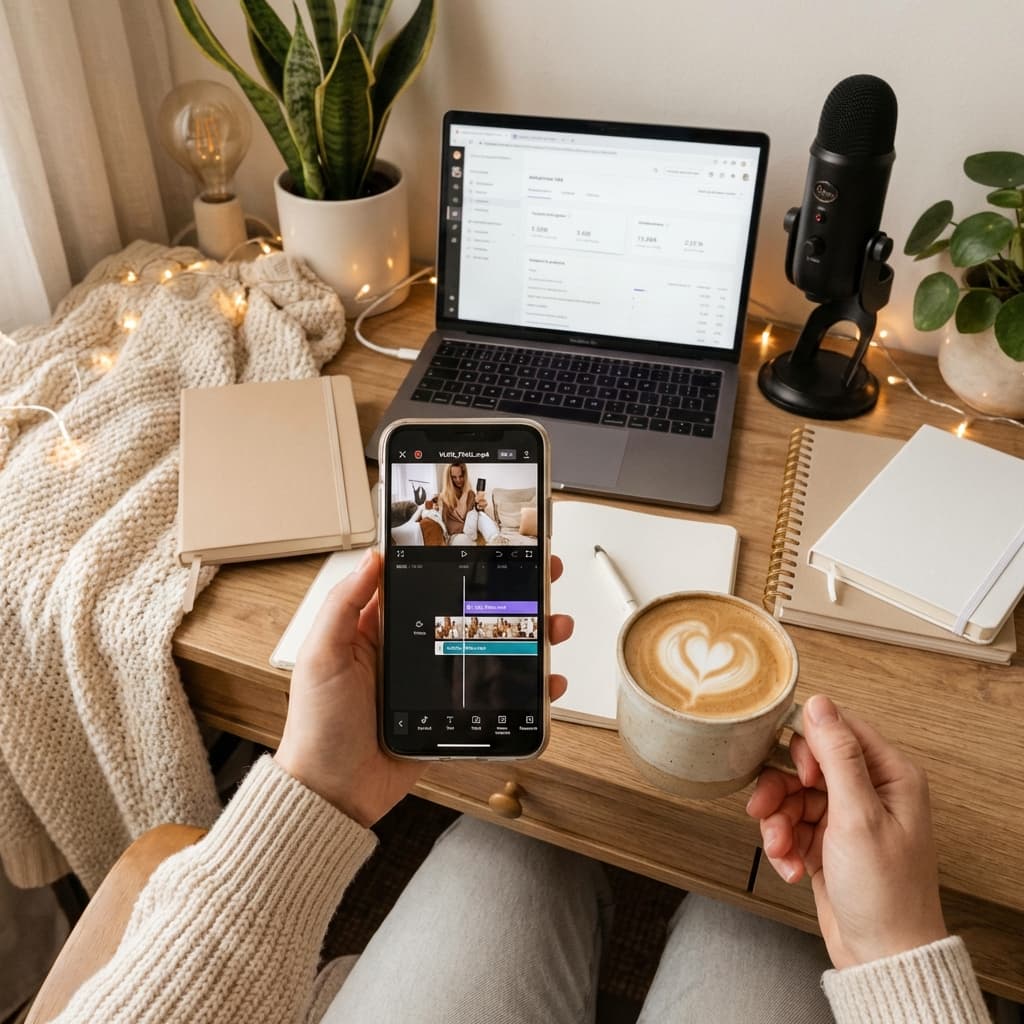
Most feeds play muted. On-screen text carries the message.
Export & test
Render multiple hook variants and let the data pick the winner.
For ready-made hooks and full script frameworks, use our UGC script templates.
Common mistakes
Weak hook
Burying the interesting part. Lead with the most surprising thing.
Sounding corporate
Buzzwords kill trust. Talk like a real person to a friend.
No captions
Silent autoplay means no captions equals no message.
Wrong aspect ratio
Horizontal video looks like a repurposed ad. Always go vertical.
The faster way to produce volume
Filming every variation by hand doesn't scale. AI UGC lets you generate creator-style videos from a product image and script in minutes.
This is how brands test five hooks before lunch. See the full flow in our AI UGC video generator guide, and which tools do it best in the 2026 ranking.
Make your first UGC video free
Skip the camera and the editing. Generate a creator-style video from your product in minutes.
Start Creating Free